Most business owners assume domain security is something their registrar fully handles. In reality, it is not. Most domain hijacking cases do not come from platform failures, but from simple, avoidable mistakes like reused passwords, compromised email accounts, or missed renewals.
When a domain is taken over, the impact is immediate and severe: websites go offline, business emails stop working, and in some cases, the domain is transferred away or held for ransom. Recovery can take days or even months, and in high-value cases, it can cost thousands of dollars.
This guide explains exactly how domain hijacking happens in 2026, what attackers actually target, and the practical steps you can take to secure your domain before it becomes a problem.
What is domain hijacking?
Domain hijacking is when an attacker gains unauthorized control of your domain name and uses that control to transfer it to a different registrar, redirect your traffic, intercept your emails, or hold the domain hostage for a ransom payment.
Unlike a website hack where an attacker breaks into your hosting server, domain hijacking operates at the registration level. The attacker does not touch your files. They simply become the owner of your web address. Once that happens, they control everything attached to it.
How attackers actually do it
Understanding how domain hijacking happens is critical because most attacks are not sophisticated exploits; they rely on predictable human and security weaknesses.
Here are the four main attack paths used in 2026:
1. Email account compromise
Your email is the master key to your domain. If an attacker gains access to it, they can reset your registrar password, approve transfer requests, and take full control without ever touching your domain account directly.
This usually happens through reused passwords, data breaches, or malware that exposes login sessions.
2. Credential-based attacks (phishing + stuffing)
Attackers use two closely related methods here:
- Phishing: Fake login pages that mimic your registrar or email provider are used to trick you into entering credentials.
- Credential stuffing: Automated tools try leaked username/password combinations from previous breaches across registrar accounts.
Both methods exploit one core issue: password reuse or user deception.
3. Social engineering of support systems
Instead of hacking systems, attackers manipulate people.
They contact registrar support teams pretending to be the legitimate owner, using publicly available WHOIS data or scraped business information to appear credible. In some cases, they request password resets or initiate transfers through support channels.
This is especially effective when WHOIS privacy is not enabled or account verification processes are weak.
4. Domain expiry and insider access abuse
Not all attacks involve breaking in.
Expiry abuse: Attackers monitor expiring domains and automatically register valuable ones the moment they drop.
Insider or delegated access abuse: Former agencies, freelancers, or partners may still have active access to DNS or registrar settings and can modify or transfer domains without detection.
Both rely on ownership gaps rather than technical exploits.
Domain hijacking vs DNS hijacking: What is the difference?
| Domain Hijacking | DNS Hijacking |
| Full ownership is stolen or transferred | Only DNS records are altered |
| You lose access to the registrar account | You retain domain ownership |
| The domain can be sold or held for ransom | Traffic is redirected, emails intercepted |
| Severity: Critical | Severity: High |
DNS hijacking is recoverable without losing ownership; you still control the domain; you just need to restore the correct records. Domain hijacking is far more severe because recovery requires formal dispute processes, legal action, or outright repurchase. Prevention is the only reliable strategy.
Warning signs your domain may be under attack
- You cannot log in to your registrar account, and password reset emails are not arriving
- Your website redirects to an unfamiliar page or shows a registrar parking screen
- Business emails begin bouncing or stop delivering
- You received transfer confirmation emails; you did not initiate or act on these immediately
- WHOIS records show ownership details you do not recognise
- Customers report seeing unusual or suspicious content on your website
How to protect your domain: the complete checklist
Lock your domain at the registrar level
Domain lock, also called registrar lock or transfer lock, is a setting in your account that prevents any outbound transfer request from being processed without your explicit approval. It is the single most important protection you can enable. Every domain you own should have this turned on. At HasheDomains.com, domain lock is available on all plans and can be toggled from your dashboard in under a minute.
Use a dedicated email address for domain management
Do not use your primary business email, the one on your website or business cards, as the recovery address for your domain account. Create a separate, private email address used only for your registrar. This address should not appear anywhere publicly. It makes phishing and social engineering attacks targeting your registrar account significantly harder.
Enable two-factor authentication on both accounts
Two-factor authentication on your domain registrar account and on your registrar’s linked email address is non-negotiable. Use an authenticator app rather than SMS; SIM-swapping attacks can intercept SMS verification codes. If your registrar does not offer 2FA, change registrars.
Enable WHOIS privacy protection
Without WHOIS privacy, your name, email address, and phone number are publicly visible in the WHOIS database. Attackers use this information to craft convincing phishing emails and to arm themselves for social engineering calls to your registrar’s support team. HasheDomains.com includes WHOIS privacy protection as standard on eligible domains.
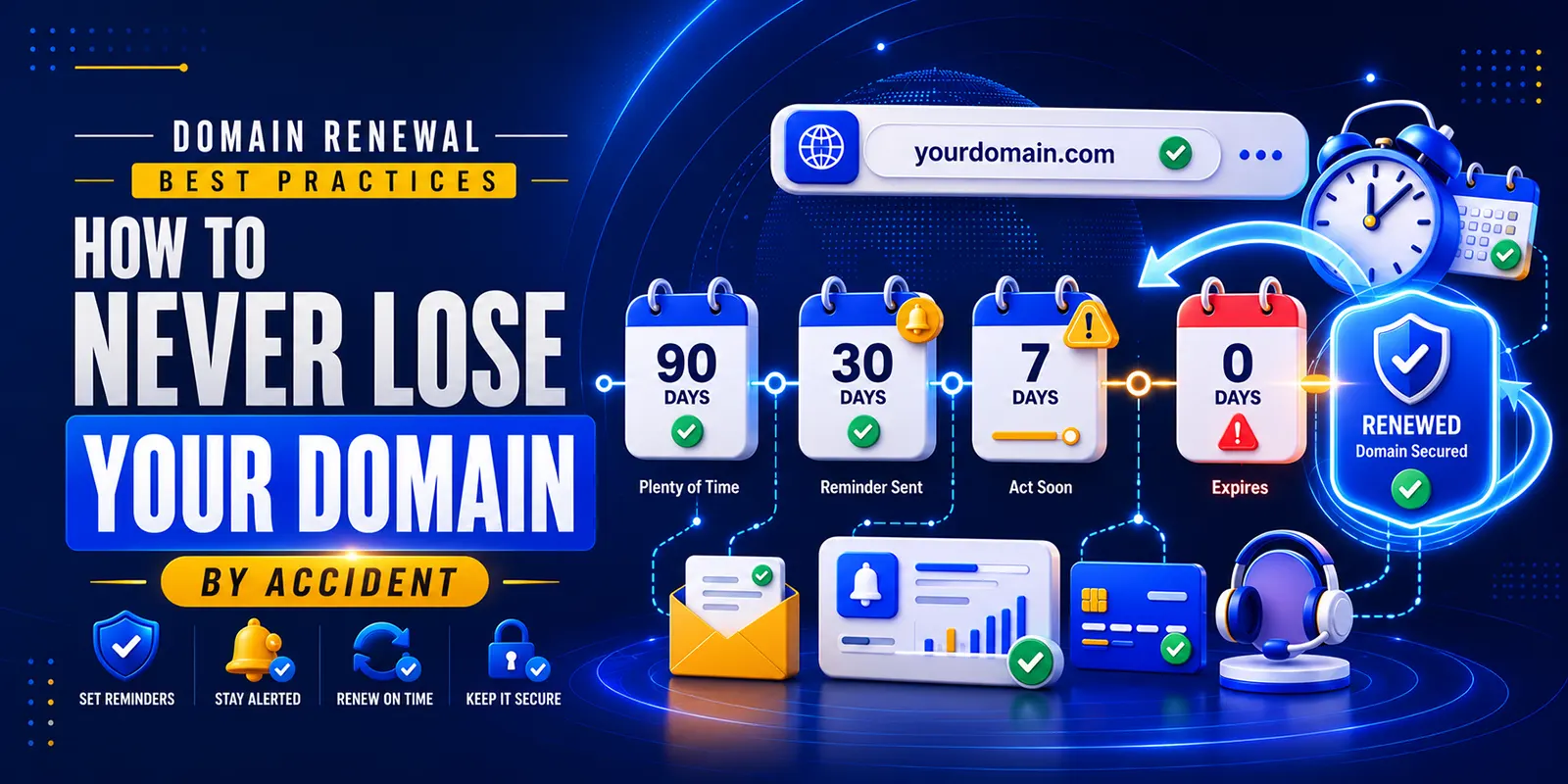
Turn on auto-renewal and set renewal reminders
Enable automatic renewal for every domain you own, then set a calendar reminder 60 days before expiry as a backup. Also, ensure your payment method on file is current, as a failed auto-renewal charge puts your domain at the same risk as deliberate non-renewal. Check the card expiry date tied to your registrar account today.
Audit third-party access quarterly
Review who has access to your domain account every three months. Remove agency, reseller, or developer access that is no longer needed. This is especially important after ending a relationship with a web agency or freelancer who was managing your DNS.
Use a strong, unique password
Your domain registrar account should have a password that is used nowhere else ever. Use a password manager to generate and store a long, random password. If your password appears in a data breach list and you reuse it, credential stuffing attacks will find it.
Monitor your domain actively
Set up a domain monitoring alert that notifies you any time WHOIS data changes, DNS records are modified, or a transfer is initiated. At the registrar level, HasheDomains.com sends automated notifications on all account changes so nothing happens silently.
If your domain is hijacked: immediate steps
Emergency recovery checklist, act in this order:
- Step 1: Contact your registrar’s security team by phone, not just email. Explain that it is an active hijacking and ask them to place a hold on any outbound transfers immediately.
- Step 2: Check your email account for unauthorized login activity and lock it down. Change the password and revoke any active sessions.
- Step 3: Reset all passwords on any account that shares credentials with your registrar or email login.
- Step 4: File a UDRP dispute or ICANN complaint if the domain has already been transferred. This is the formal legal route; it takes time, but it works when you have proof of original ownership.
- Step 5: Notify your hosting provider so they can flag the account and assist with traffic redirection while you recover the domain.
- Step 6: Document everything: timestamps, screenshots, communications. You will need this for any dispute, legal filing, or insurance claim.
Frequently asked questions
Can I recover a hijacked domain?
Yes, in most cases, but speed matters. If the domain has not yet been transferred to another registrar, your registrar can cancel the transfer during the 5-day ICANN hold period. If it has been transferred, you will need to file a formal dispute. Recovery is possible, but it can take weeks to months.
Does WHOIS privacy prevent hijacking?
WHOIS privacy does not prevent hijacking directly, but it removes information that attackers use to target you, particularly for phishing and social engineering attacks. It is an important layer of protection, not a standalone solution.
Is domain lock the same as domain privacy?
No. Domain lock, or registrar lock, prevents unauthorized transfer of your domain. Domain privacy, or WHOIS privacy, hides your personal information from public WHOIS records. They address different threats, and you should have both enabled.
How much does domain hijacking recovery cost?
Costs vary widely. If caught during the transfer hold window, recovery may be free. If the domain has been transferred and resold, you may face a UDRP filing fee around $1,500 USD, legal fees, and potentially purchasing the domain back at an inflated price. Prevention is dramatically cheaper.
What makes HasheDomains.com secure?
HasheDomains.com provides domain lock protection on all plans, includes WHOIS privacy on eligible domains, sends automated account change notifications, and offers secure DNS management, all designed to give you full, verifiable control over your digital identity.
Conclusion
Domain hijacking is no longer a rare or highly technical attack; it is a routine, scalable process that targets weak security habits rather than systems. Most incidents don’t happen because registrars are breached, but because attackers exploit predictable gaps like email compromise, reused passwords, unprotected support interactions, and neglected domain renewals.
The important takeaway is that domain security is not a one-time setup. It is a layered system that depends on consistent habits: protecting your email like a root credential, eliminating password reuse, limiting third-party access, and actively monitoring domain status changes.
In 2026, your domain is not just a technical asset; it is your brand identity, traffic source, and digital authority. Losing control of it means losing control of everything built on top of it. Prevention is not optional here; it is the only reliable defense.